Gemini Spark Now Runs Locally on Mac Desktop App
Google's AI agent can now access local files and automate workflows directly on macOS devices, marking a shift from cloud-only operation.
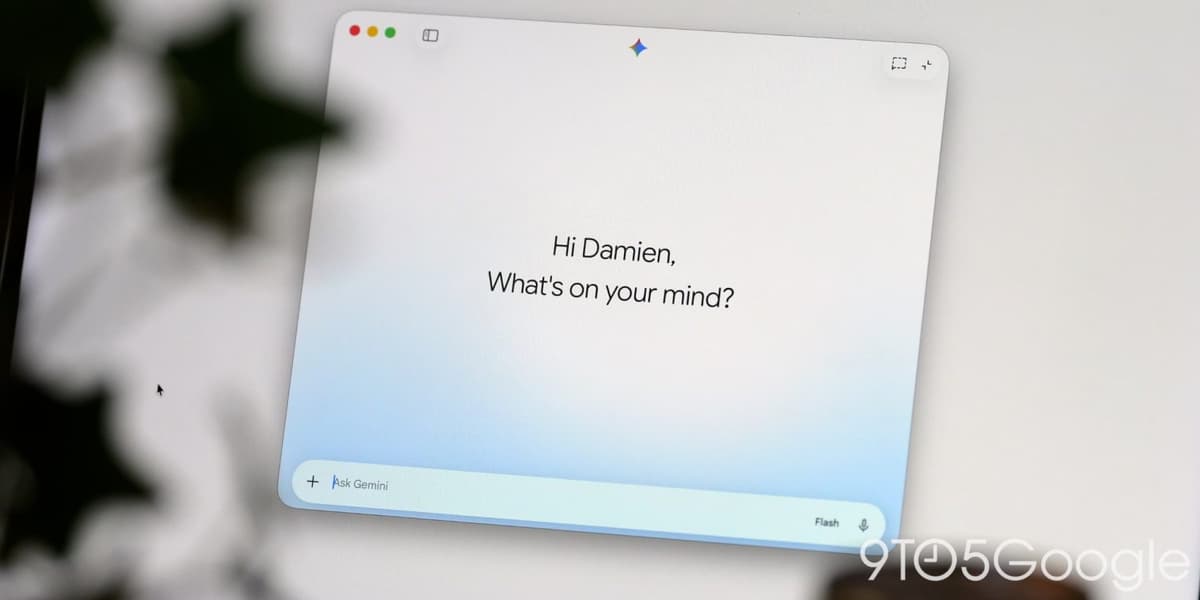
Google has extended its Gemini Spark AI agent to work directly with local files on macOS devices, moving beyond the cloud-based browser environment where it previously operated. The update arrives in version 1.80.15.516 of the Gemini desktop app, according to details first reported by 9to5Google.
Gemini Spark, which Google positions as a 24/7 personal AI agent, previously relied on remote browser sessions and cloud-based code execution. The macOS integration now enables the agent to interact with files stored on a user's computer and execute automated workflows across desktop applications.
How local file access works
Users control which directories Gemini Spark can access through a "Connected folders" permission system. The interface includes a dedicated Spark tab in the app's sidebar, mirroring the web version's layout.
One example workflow involves organizing scattered files: users can instruct Spark to scan unorganized directories, categorize contents by type or context, and propose a folder structure before executing changes. Another use case converts local files into Google Docs format.
Permissions can be revoked at any time, and users retain the ability to customize existing Schedules and Skills—features that automate recurring tasks.
New safeguards and controls
The update introduces two key settings under a new Gemini Spark menu. The first prevents the Mac from entering sleep mode while the Gemini app runs active tasks. The second, enabled by default, triggers an alert when Spark cannot back up a file in a connected folder before modifying it, requiring user approval to proceed.
A usage limits page now appears directly in the app settings, accessible from the account menu. Previously, this information required opening a browser window to gemini.google.com/usage.
Why it matters
Local file access represents a significant architectural shift for AI agents, which have largely operated in sandboxed cloud environments. For enterprises evaluating AI automation tools, the ability to process sensitive data on-device rather than uploading it to remote servers addresses a core security concern. The permission controls and backup safeguards suggest Google is building guardrails as these agents gain more autonomy over user systems. This macOS release is the first of two major desktop updates Google previewed at I/O 2026, with a voice experience feature still pending.
The update is rolling out now through the Gemini app's built-in updater. 9to5Google first reported the release details.
This is an original analysis by the Omega editorial team. Source reporting: Automation Watch.
Want systems like this working for your business?
Book a Call